Setup
The Setup tab says, step by step and with the code ready to copy, how to make an application report to this project. It's also for adding another language to a project that already reports: the frontend to a project that so far only had a server, for example. The full first-time guide is in Your first project.
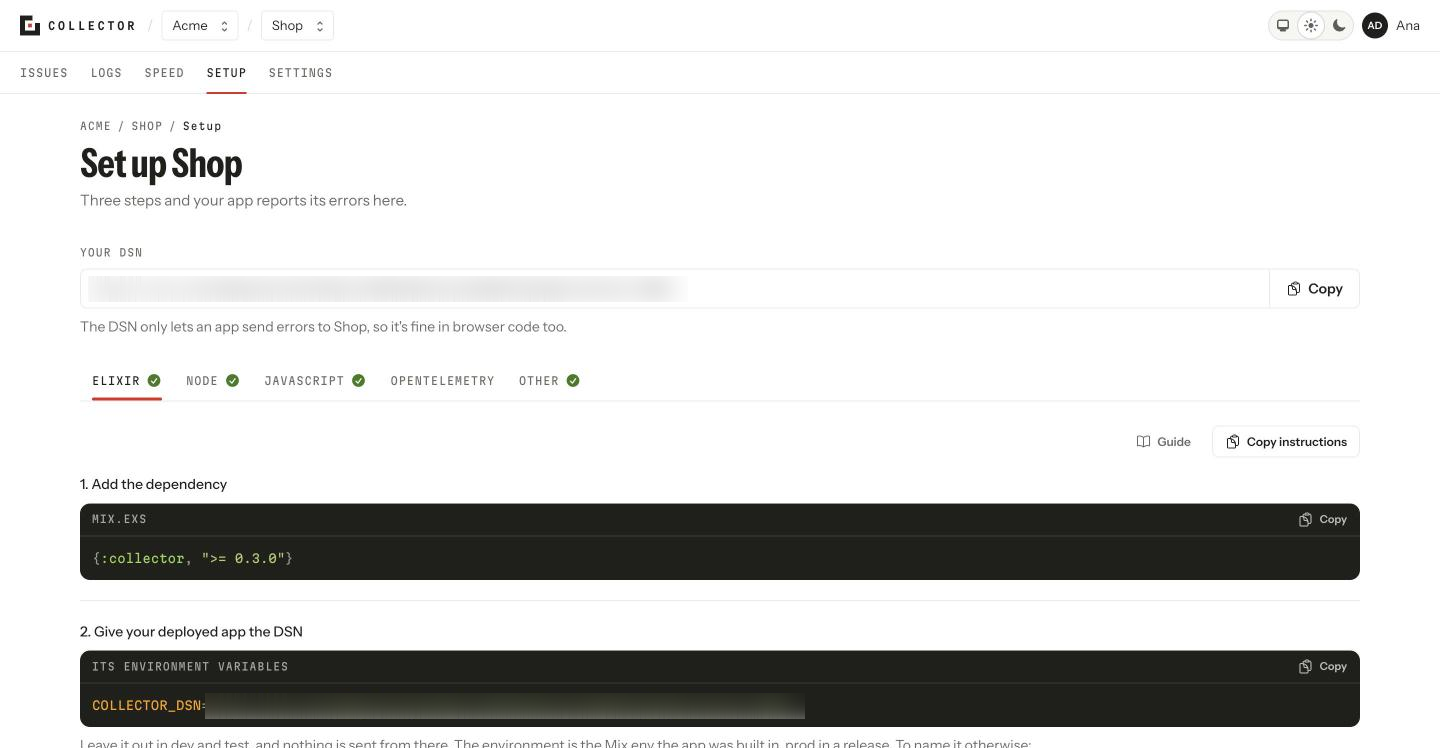
The language tabs
Elixir, Node, JavaScript and Other (any language, over HTTP). Where logs are available, OpenTelemetry joins them, for sending logs with no Collector package at all. The screen opens on the first language that isn't reporting yet; each tab marks whether its language is reporting already.
What each tab shows
- The three steps: install the package, give the DSN to the deployed application, and deploy. The project's DSN is under Your DSN, ready to copy.
- Check it: send a test event, with your language's command. While nothing has arrived it says Waiting for the first event…; when something does, it changes by itself and offers See its issues.
- The options, the ones worth having but not needed to start:
- showing your code rather than the built one (source lines in an Elixir release, source maps in JavaScript and Node);
- knowing which user hit the error;
- the environments, and which ones don't alert when they go quiet;
- in JavaScript, speed measuring and your site's Content Security Policy;
- logs, with the state of what arrived in the last minute.
In JavaScript and Node, the screen asks for your framework, your bundler and which options you want, and the code changes with what you pick. Your choices stay in the page's address, so a copied link opens the same code for whoever gets it.
Copy instructions copies all of it, fitted to your choices, as text to paste to your AI agent.
The source map and test steps use the CLI: collector upload and collector test. Vite needs no plugin: the screen shows the settings to add to your vite.config. Each tab also links to its SDK's page in this manual.
Domains to confirm
If a new web page started sending events, the tab says so at the top so you can confirm it or block it. See Allowed domains.