Issues
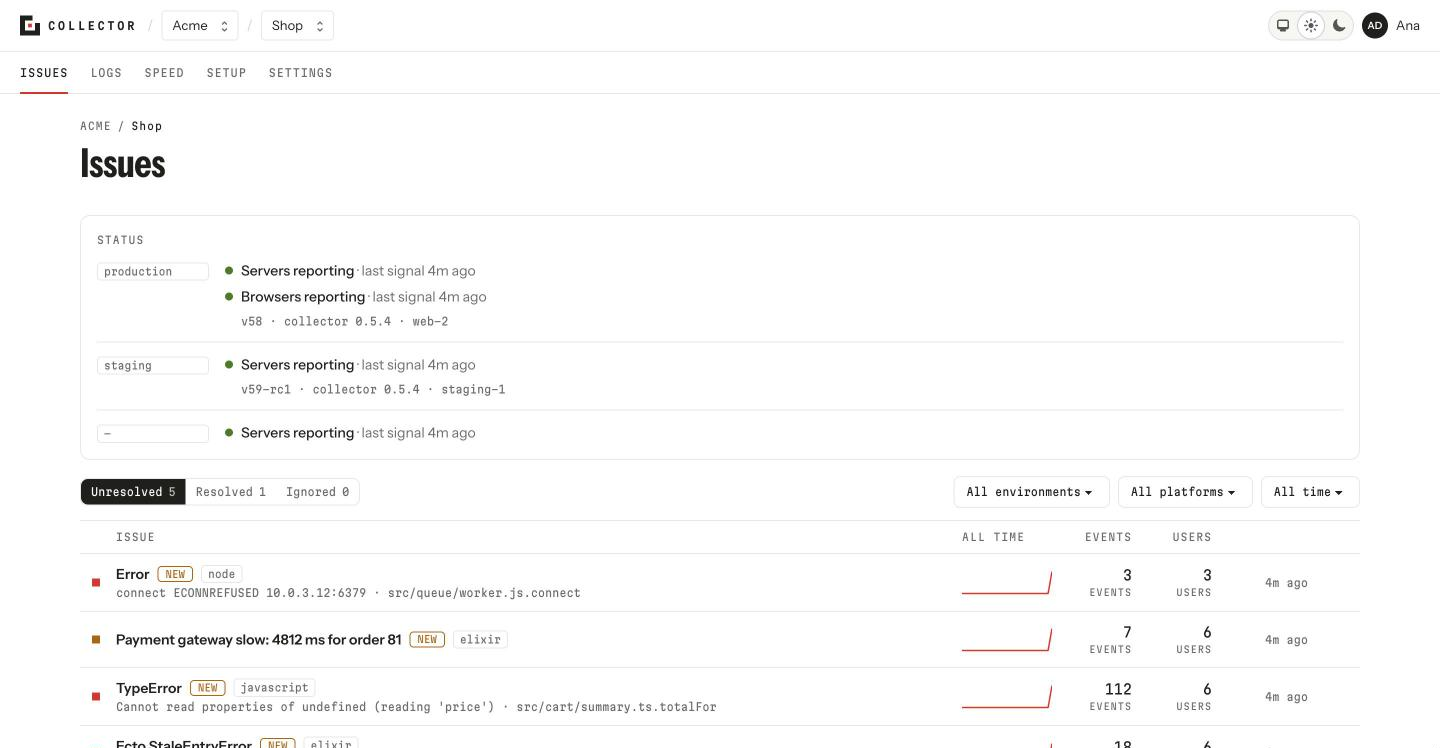
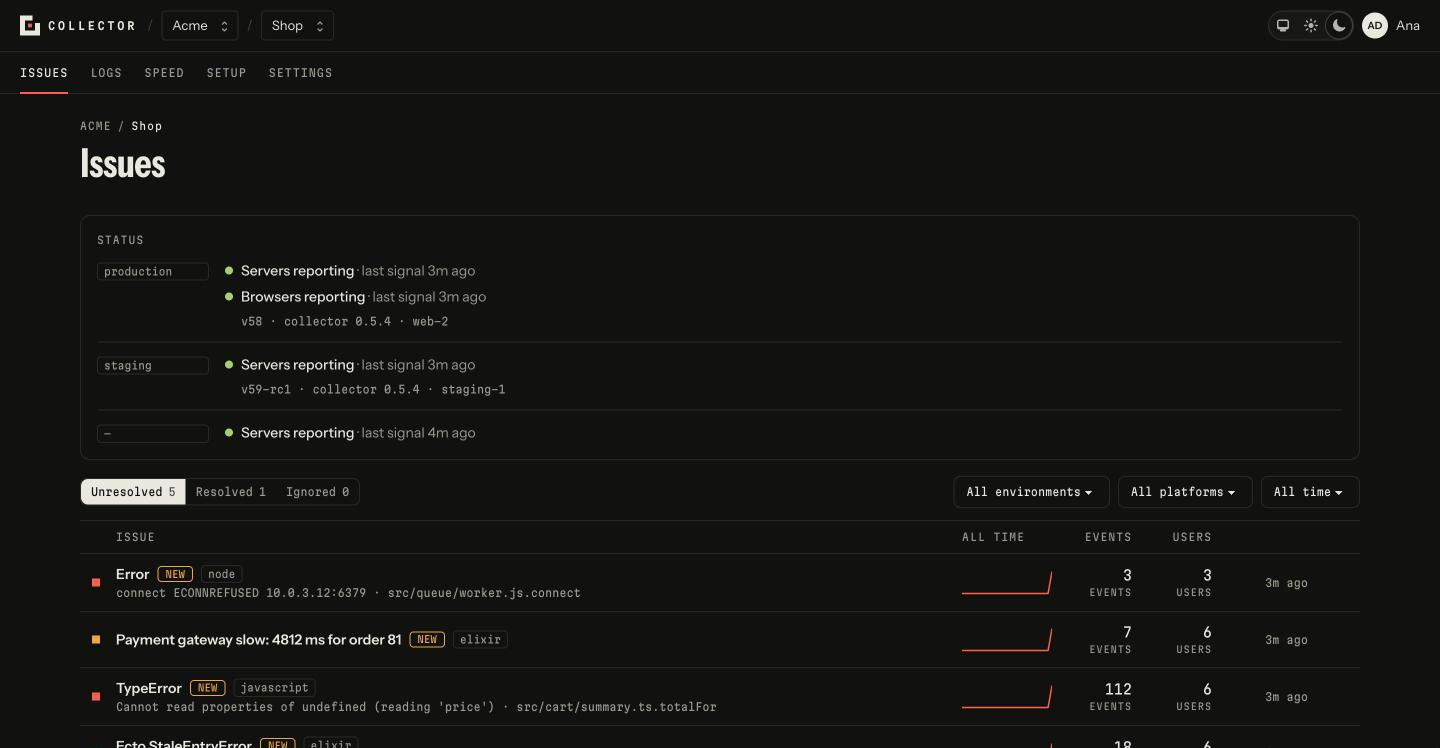
The Issues tab is where the work starts: a project's errors, grouped, the most recent on top. It's the first thing you see when you open a project.
The list updates itself while you look at it: a new issue appears at the top without reloading, and the counts change as events arrive.
The project's signal
Above the list, a line says whether the project is reporting: the last signal of each environment, from servers and from browsers, and whether any has gone quiet. See Signals.
The statuses
Three tabs split the issues by status, each with its count: Unresolved, Resolved and Ignored. The list opens on Unresolved. See Issue statuses.
The filters
- Environment: All environments, or one (
production,staging, …). The environments any event came from are listed. - Platform: All platforms, or one (
elixir,javascript,node, …). It only shows when the project receives events from more than one. - Time range: Last 24 hours, Last 7 days, Last 30 days or All time, the default. It leaves out issues with no events in that range, and decides what the columns count.
The filters live in the page's address, so a copied link opens the same view.
Each row
- The level mark, on the left:
fatal,error,warningorinfo. - The title: the error's type and message. Under it, in grey, the full message and the function of your code where it happened.
- NEW, if the issue first appeared inside the chosen range, or REGRESSED, if it was resolved and happened again inside it.
- The platform, when the project has more than one.
- A curve with the events across the range.
- Events: how many there were in the range.
- Users: how many distinct users it affected, all time. It counts the events that carried a user; see how to set one in each SDK.
The list loads more rows by itself when you reach the end; Show more does the same by hand.
When the list is empty
Nothing here for these filters means just that: try another status or range. If the project hasn't received anything yet, the screen asks Not reporting yet? and links to Setup.
From the terminal
collector issues list                                   # unresolved, of the last week
collector issues list --status resolved --range month --env production
collector issues list "is not a function"               # searches titles and messages
See Commands.